Getting started
Here’s how.
Check existing questions
Open Q&A on the subject you want to ask about. Browse existing questions before adding another.
Ask a focused question
Use Ask a Question. Check Asking about, enter a short question and useful details, then tap Post.
Read the answers
Open a question to read its details and answers. The page marks an accepted answer where one has been selected.
Share an answer
Enter a clear response in Your Answer and tap Post Answer.
Accept a useful answer
If Accept Answer is available to you on a question, use it to mark the answer that resolved the question.
Good to know
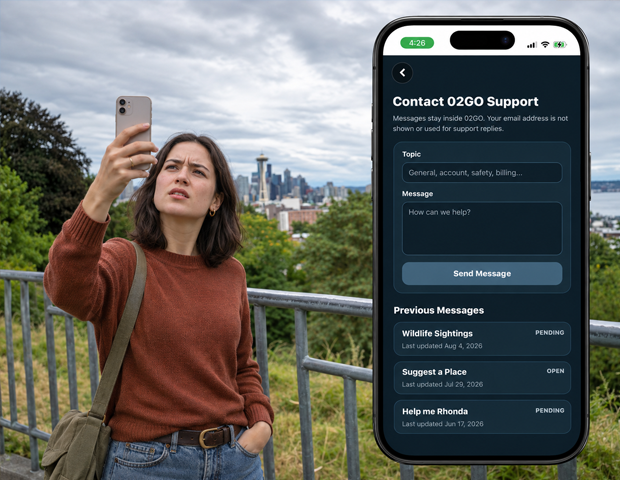
Keep questions specific to their subject. Use Support for account problems instead of posting private account details in Q&A.
Need a hand? Ask us about this feature →