Getting started
Here’s how.
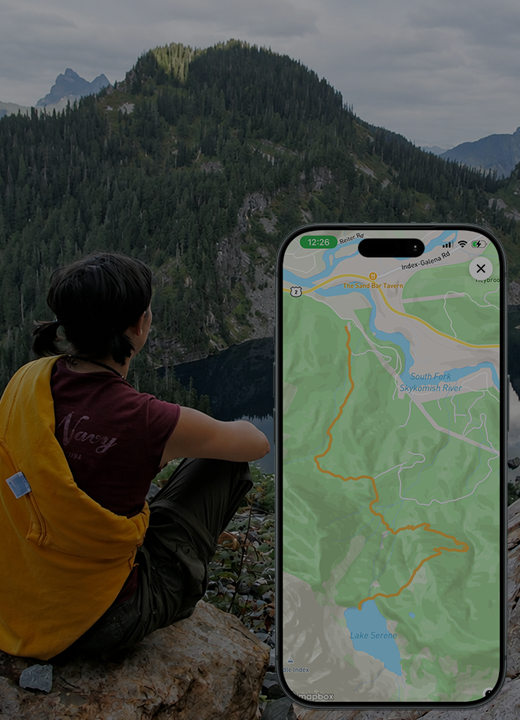
From the root menu open the map by tapping the map icon and tap the route icon to begin route tracking.
Session Details
Name the session of your route recording.
What do you mean session? Why not route? Routes are the concept of the route. A trail, path, road... route in general. The session is this instance of your traveling that route.
Choose your activity and start recording. Grant the location permissions requested for tracking.
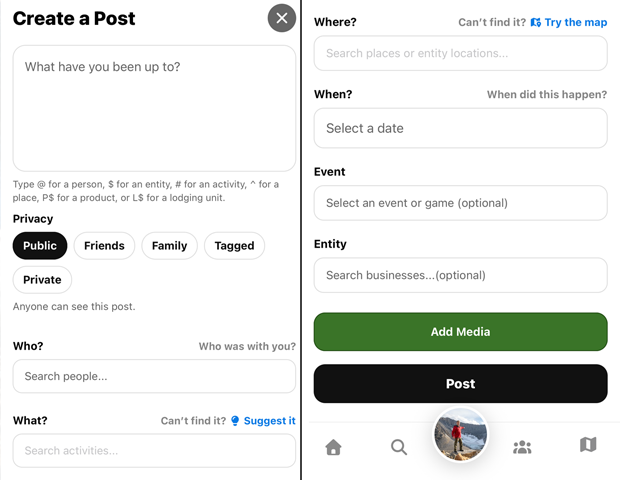
Where (optional)
You can link this session to a trail, path, river, mountain, or whatever. Please only link them to the feature you are actually adhering to.Activity Type
What type of activity are you participating in?Who (optional)
Tagging anyone joining you on your route session.Privacy
Who do you want to be able to see your route session?Start Tracking
Push that to being tracking your route session.- Once you have started tracking, you'll see the active route page. You do NOT need to keep that open while tracking your route. You can click the "Back" in the top left corner of that page.
Active Tracking
When you have an active route recording there will be an active route icon over the user button on the root menu.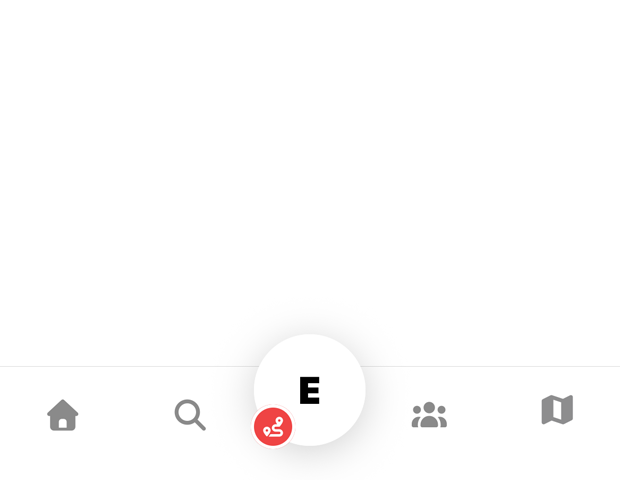
Use Pause and Resume as needed during the activity.
Finish and complete the recording, then return to My Routes to revisit it.
Good to know
If an active-route prompt is shown on the map, use Resume to return to the recording.
Need a hand? Ask us about this feature →