Getting started
Here’s how.
Open the wildlife result
Choose the matching result and check the displayed identity. The Quick Search number identifies the wildlife record.
Read the information
Review Classification and any Caution information displayed for the lifeform.
Explore related content
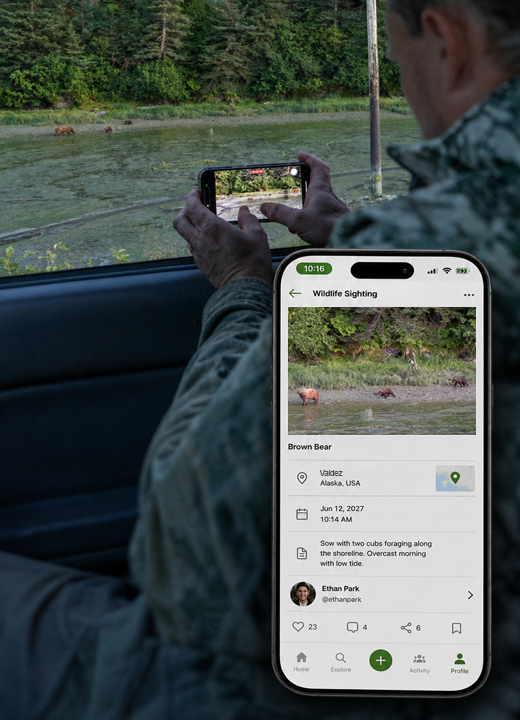
Use the available Photos, Videos, Q&A, and Sightings pages. Posts can include media tagged with this wildlife.
Explore sighting areas
Open the wildlife range map where offered to explore recorded sighting areas and filters.
Good to know
Names can be similar. Check the classification before using a wildlife record to describe an encounter.
Need a hand? Ask us about this feature →