Getting started
Here’s how.
Check the place
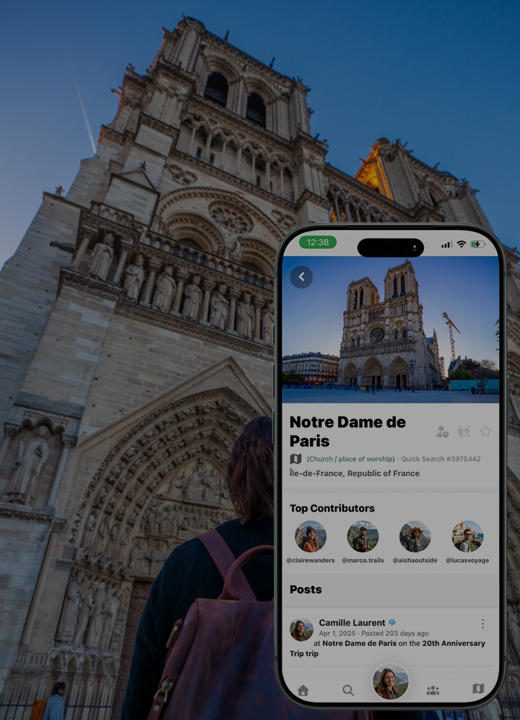
Open a place result and check its name and parent locations. The Quick Search number identifies that place.
Browse its stories
Scroll through Posts. Use the displayed sort control to switch between Chronological and Recently Posted.
Explore its tabs
Use the available Posts, Photos, Videos, Reviews, Q&A, and Top Contributors pages to explore different kinds of content.
Explore nearby places
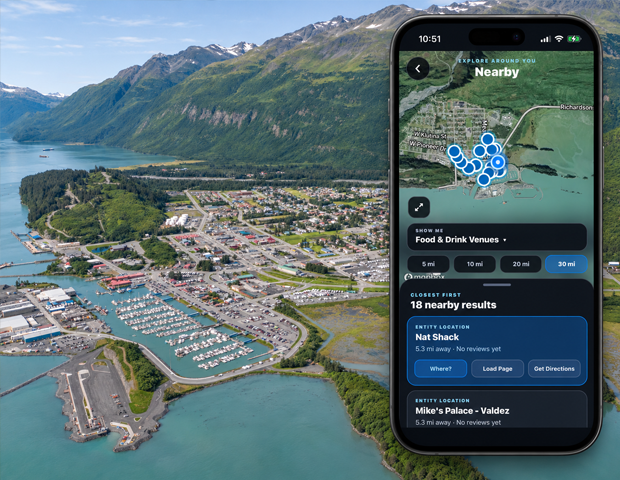
Below the cover image tap the , to open the map centered at this location.
Keep exploring
Use the place’s map or available collection links to explore its area and listings.
Good to know
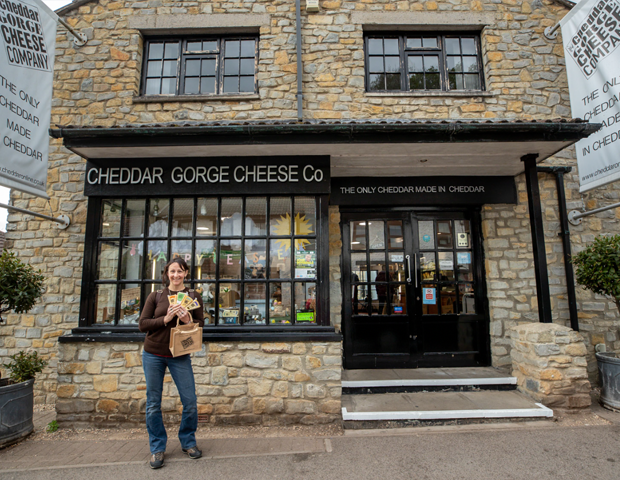
A geographic place is different from a business location. A business’s own location page contains its address and available products or services.
Need a hand? Ask us about this feature →