Getting started
Here’s how.
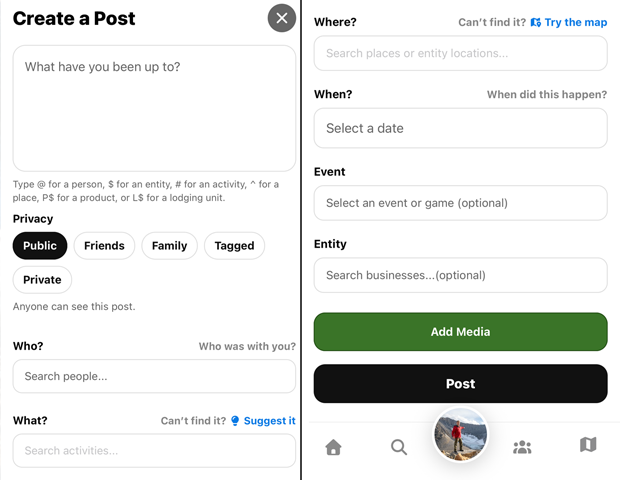
Open Create Post and write what you want to remember. On public posts, it's also appreciated to include details that might be userful to the general public.
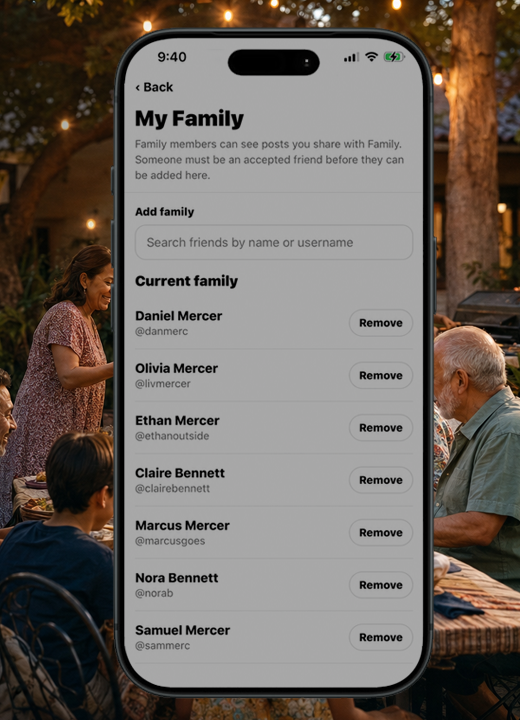
Privacy: Check the privacy selection before saving your post.
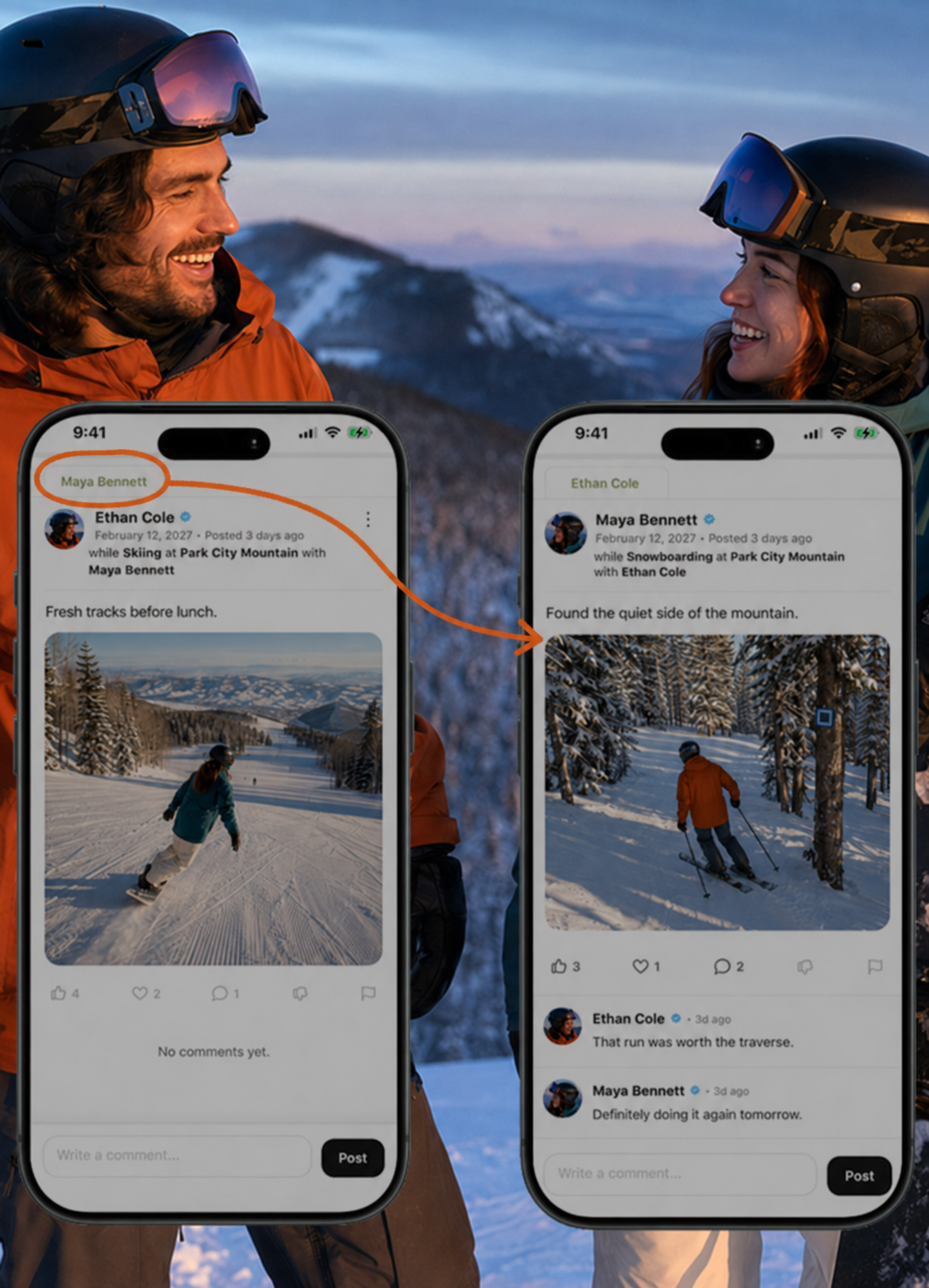
Who: Add the people who were with you. This not only links them to the posts but allows them to add a Cohorts Perspective.
What: Choose an activity. This helps generate the post title so when you're going through your timeline it describes what your post was about. This also helps you sort your posts on your activities page.
Where: This is the place you were at. It can be a geographical feature, site, or entity location.
When: This is when the thing you're posting about took place. 02GO is designed to journal your life. This helps keeps things organized and easily sorted.
Event: This is a festival, a sports match, a concert or such. Events are added by the entities that host them. Sometimes 02GO will seed the database with events. But typically if you can't find it, reach out to the hosting entity and as them to add it so you may link your posts and media to it.
Entity: This is if you want to tag an entity like a company you did a tour with, an artist you watched perform, or such.
Add Media Add photos or videos, then set the date in When and the location in Where.
Good to know
A memory can be from today or from years ago. Use the date of the experience so its context stays with it.
Need a hand? Ask us about this feature →