Getting started
Here’s how.
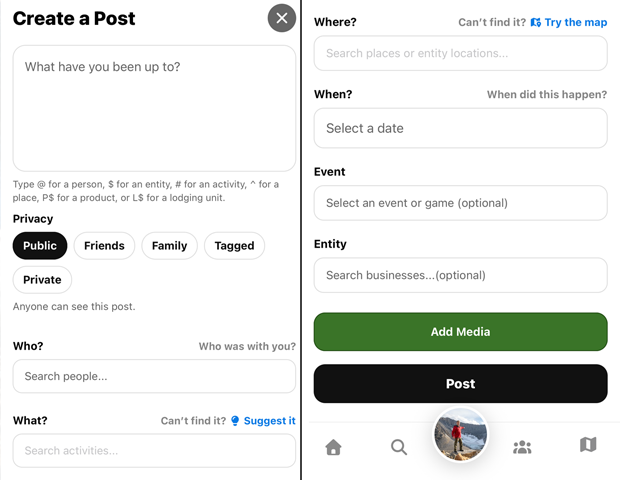
Privacy can be set for your profile, posts, media, routes, and sightings.
Open the privacy selection and choose from the options available to your account.
Review the people, location, words, and media included, then save.
Good to know
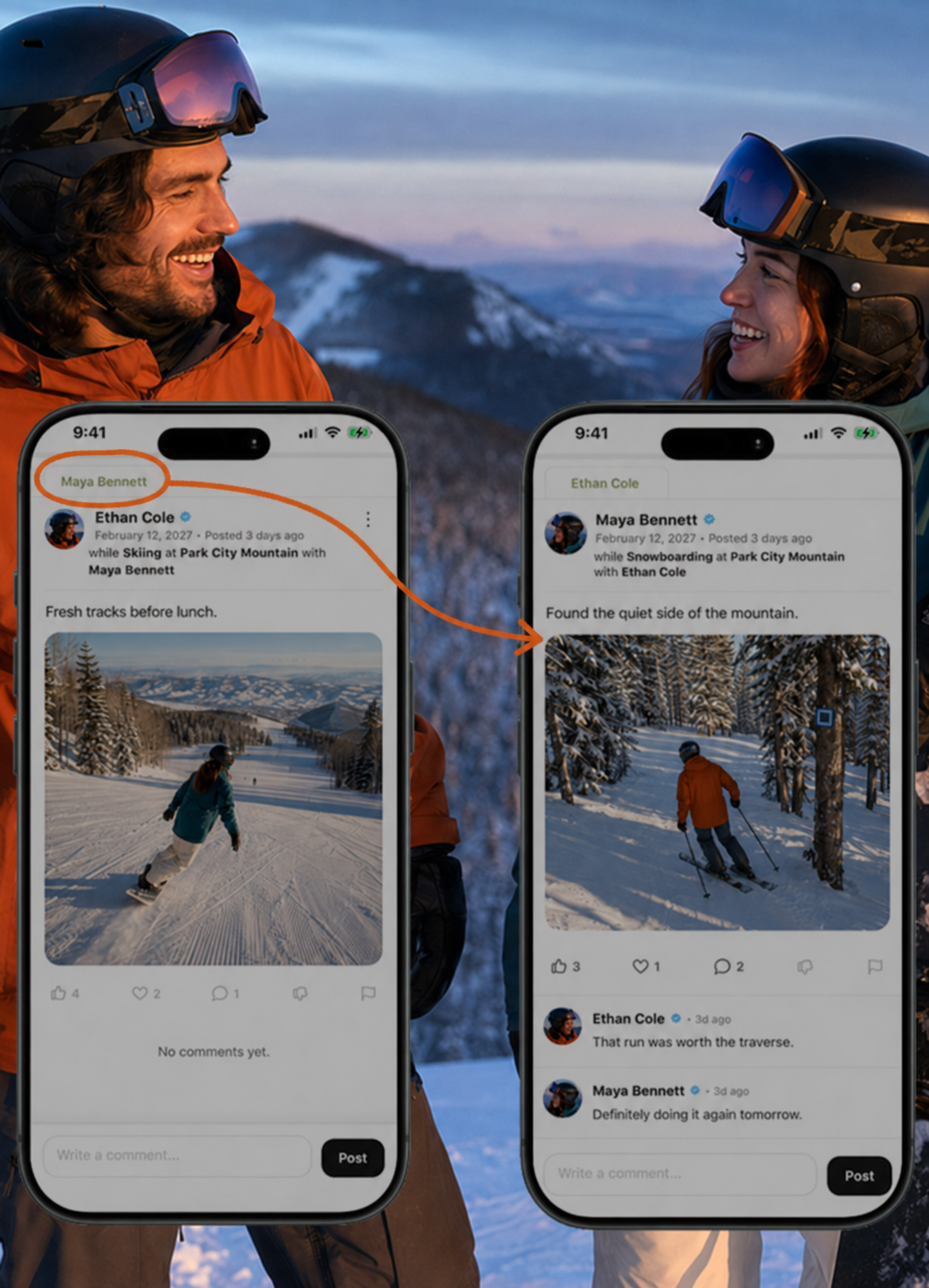
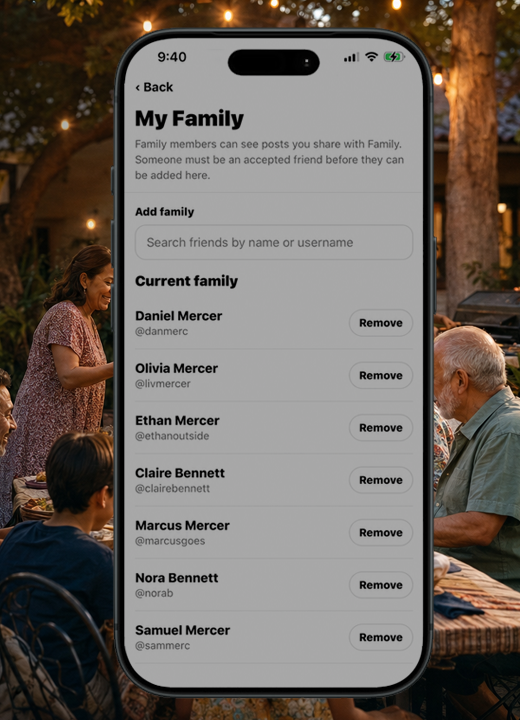
Privacy choices can include public, shared, family, tagged, and private. Accounts for minors have restricted choices.
Need a hand? Ask us about this feature →