Getting started
Here’s how.
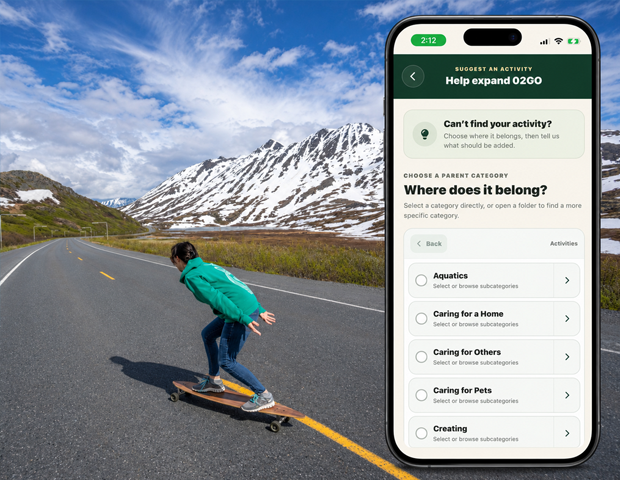
Open an activity
Search for an activity and open the matching result.
Explore more specific activities
If Subcategories are shown, tap one to explore that branch of the activity.
Find people and places
Browse Top Contributors and Trending Places where shown. Tap a linked person or place to open it.
Browse related content
Explore Posts and the available Photos, Videos, Places, and Q&A pages.
Connect your own experience
Choose the relevant activity when creating your own post so the memory includes what you were doing.
Good to know
Use a profile’s Activity tab to see one person’s activity history. An activity page brings together content about the activity itself.
Need a hand? Ask us about this feature →