Getting started
Here’s how.
Start a support conversation
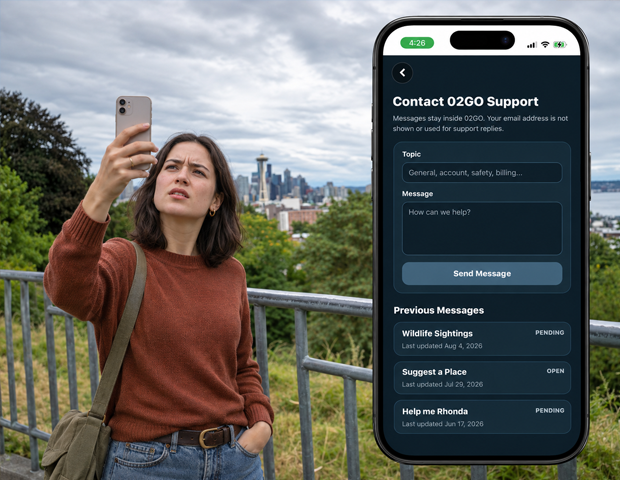
Open Support and find the Contact 02GO Support form.
Describe what you need
Enter a Topic and a Message. Explain what you were trying to do, what happened, and which screen was involved. An empty topic is saved as General; a message is required.
Send your message
Tap Send Message. After it sends, 02GO opens the conversation.
Read and reply
Return to Previous Messages and tap the conversation. Read the replies, enter your response in Write a reply..., and tap Send.
Check the conversation status
The conversation shows its status and the date of each message. Pull down on the support list to refresh your conversations.
Good to know
Support replies stay inside 02GO. Return to the conversation to read them; do not rely on an email reply.
Need a hand? Ask us about this feature →