Getting started
Here’s how.
Open Stats
Open a profile and choose Stats. The page is titled Stats & Achievements.
Read the overview
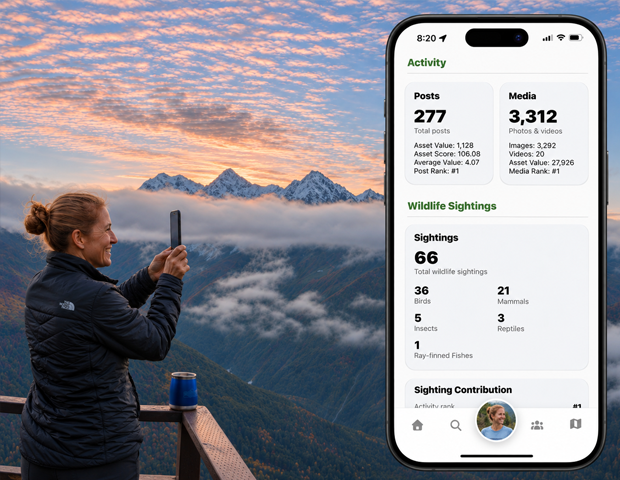
Review the displayed asset, reputation, post, and media figures. These are the statistics reported by 02GO for the profile.
Explore travel and expertise
Scroll to Places, Travel Extremes, Place Expertise, and Top Categories. Where a place name is linked, tap it to open the place.
Review wildlife contributions
Look at sightings, wildlife groups, and contribution ranks. Some sections remain empty until data is available.
Explore Big Year and achievements
Select an available year in the Big Year section and open its detail link. Continue down to see the achievements listed for the profile.
Good to know
Asset Value, Asset Score, and ranks are 02GO statistics. This page is not a wallet or a cash balance. If the page fails to load, tap Try again.
Need a hand? Ask us about this feature →