Getting started
Here’s how.
Open Big Year
From a profile’s Stats page, find Big Year and open its detail link.
Choose a year
Tap an available year to switch the list. The page shows the number of distinct bird species and the sighting count for that year.
Explore the species list
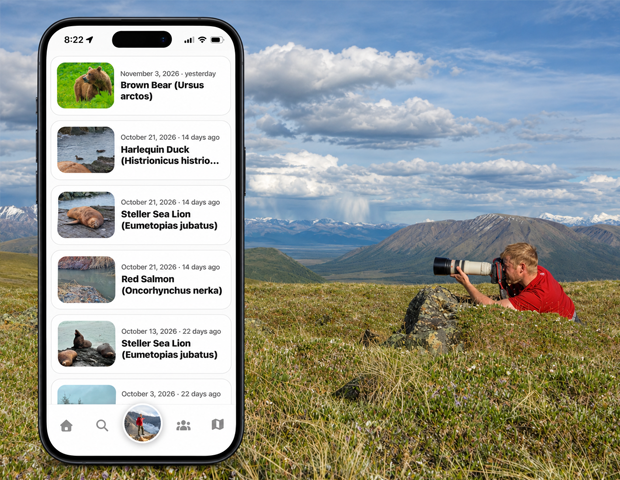
Read the common and scientific names, first-seen date, and sighting count for each bird.
Return to a sighting
Tap an available View sighting link under a species to open that record.
Good to know
Big Year counts distinct bird species for a calendar year. It is different from the total number of sightings.
Need a hand? Ask us about this feature →