Getting started
Here’s how.
Open Timeline
Open a profile and choose Timeline.
Expand a decade
Tap a decade heading to reveal the next level of the history.
Choose a year or month
Continue expanding the year and month headings to find the period you want. Small groups may show their items directly instead of another level.
Open a memory
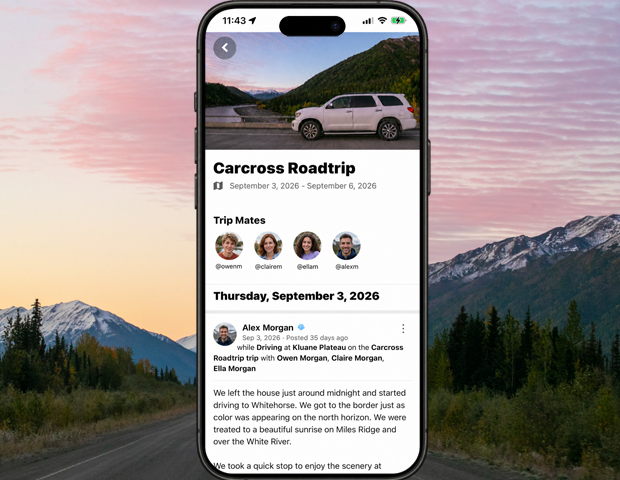
Tap a dated post or trip entry to open it. Trip entries appear in green and post entries in blue.
Collapse a section
Tap an expanded heading again to close that section and browse another period.
Good to know
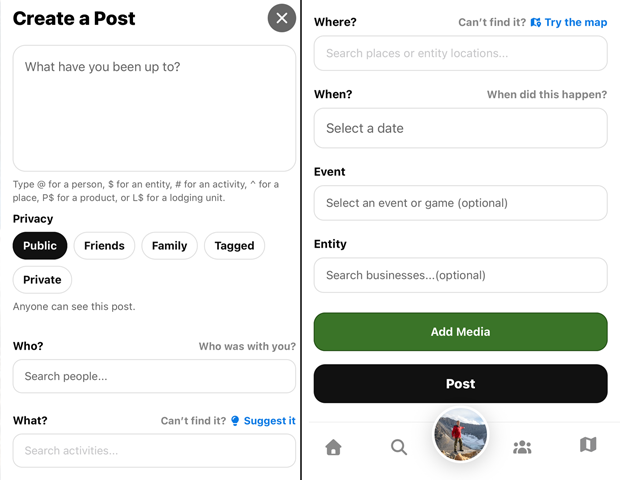
The timeline uses the dates returned for posts and trips. When adding an older memory, choose when it happened in the post editor.
Need a hand? Ask us about this feature →