Getting started
Here’s how.
Open the encounter
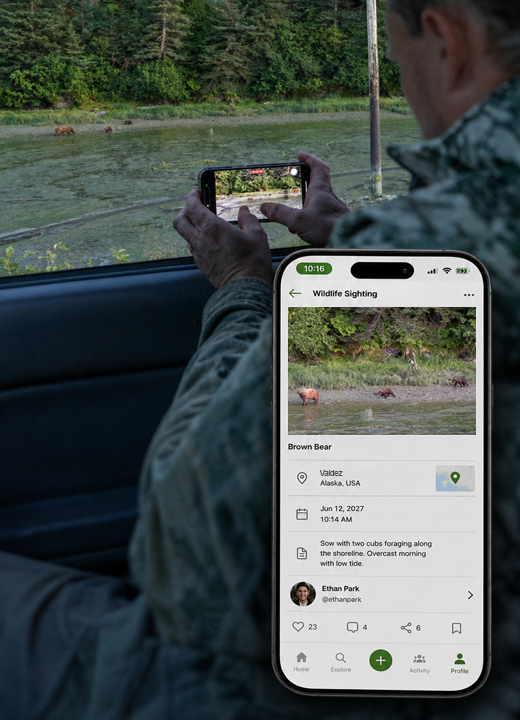
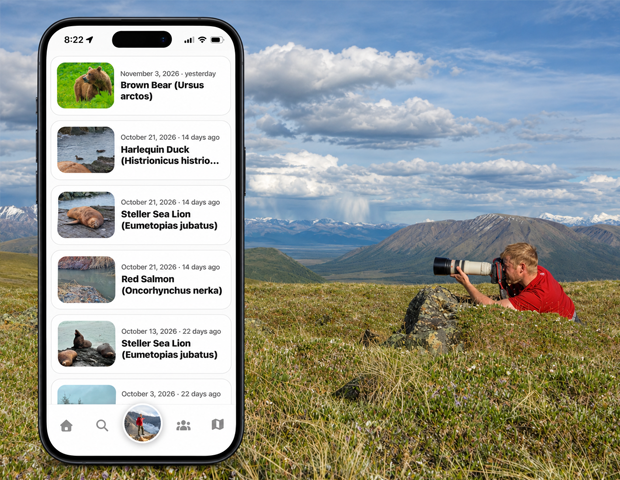
Tap a sighting from one of the sighting lists.
Review the recorded details
Check the wildlife identification, encounter date, location information, notes, and media available on the record.
Explore attached content
Open the available photos, videos, and linked wildlife profiles to learn more about the encounter.
Use available actions
Use the actions offered on that sighting. Identification review and owner actions depend on the record and your permissions.
Good to know
Use Add a wildlife sighting for a new encounter. A wildlife profile describes the lifeform; a sighting records a particular encounter.
Need a hand? Ask us about this feature →