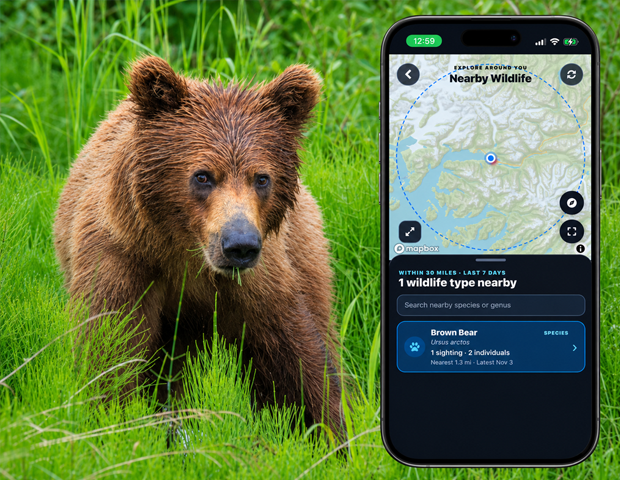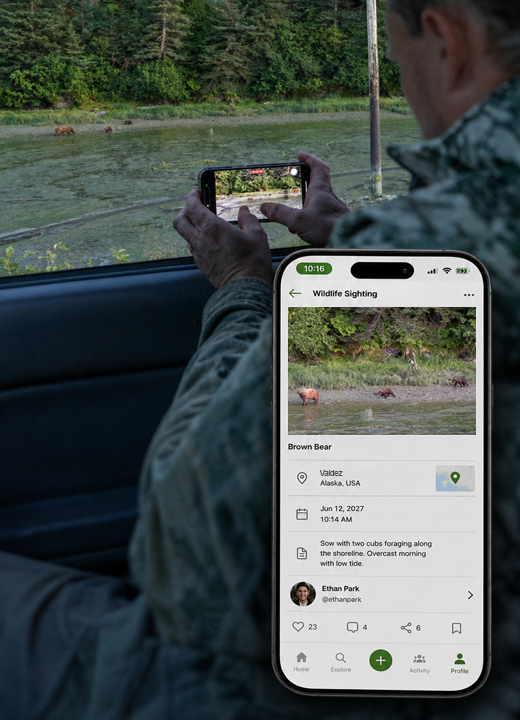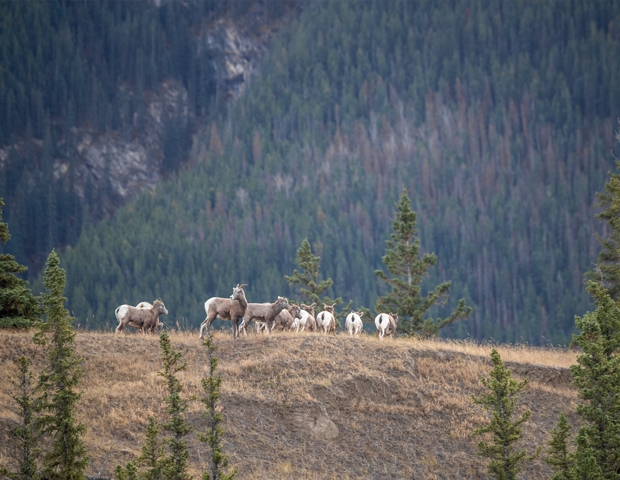
Getting started
Here’s how.
Open the map
Open the lifeform’s wildlife range map. The screen is labeled Lifetime Sightings Map.
Explore the view
Move and zoom the map to inspect sighting areas. The count describes reports in cells intersecting the current view.
Choose a date range
Open Sighting filters. Enter From and Through dates as YYYY-MM-DD, or leave them blank for all recorded years.
Filter by season or taxonomy
Select months to compare the same season across years. Use Include lower taxonomy to include sightings of taxa beneath the selected lifeform.
Apply or reset
Tap Apply filters to update the map, or Reset to all time to return to the unfiltered time range.
Good to know
This map shows recorded sighting areas. A gap in records does not establish that wildlife is absent from an area, and displayed cells are not exact encounter locations.
Need a hand? Ask us about this feature →