Getting started
Here’s how.
Choose the right option
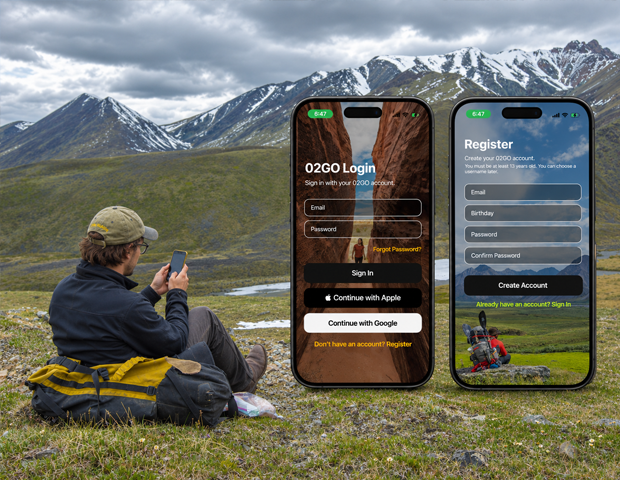
Use Sign In if you already have an account. Use Register only when you need a new account.
Sign in
Enter the account details requested by the login form and tap Sign In. Use Continue with Google if that is the sign-in method you use and it is available on your device.
Recover access
Use Forgot Password? on the login screen if you need to recover access to an email-and-password account.
Register a new account
Open Register, fill in the requested details, select your birthday, and tap Create Account. The registration screen requires users to be at least 13.
Set up your profile
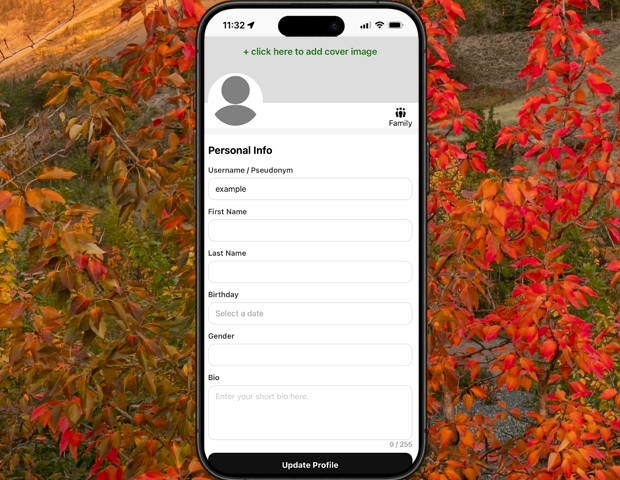
After signing in, open Settings to choose your username, profile images, and other details.
Good to know
Use the same sign-in method as before when returning to an existing account. You can choose your username later in Settings.
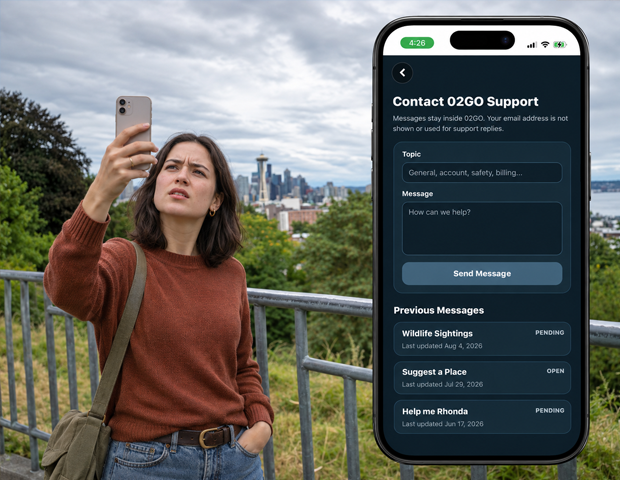
Need a hand? Ask us about this feature →