Getting started
Here’s how.
Open the map and tap the binoculars icon.
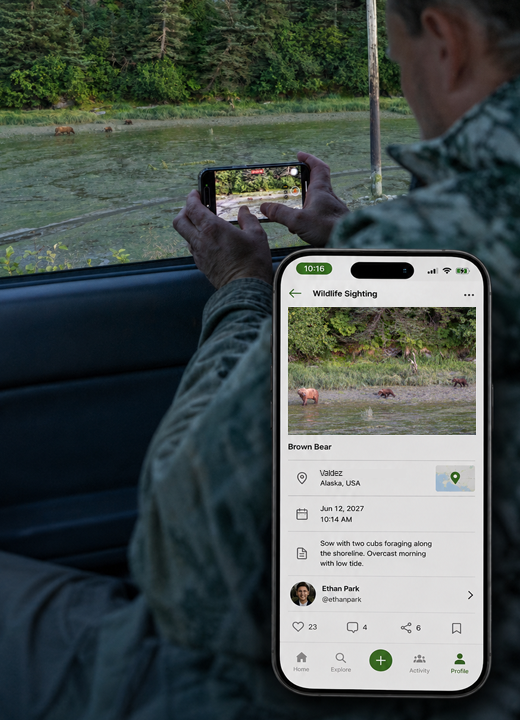
Choose the wildlife identification and review the sighting’s place and date.
Add the sighting details you know and review privacy before saving.
Return to My Sightings to revisit the record or correct its identification.
Good to know
Use the identification you can support. You can correct it later as you learn more.
Need a hand? Ask us about this feature →