Getting started
Here’s how.
Open Sightings
Open a profile and choose Sightings.
Search the collection
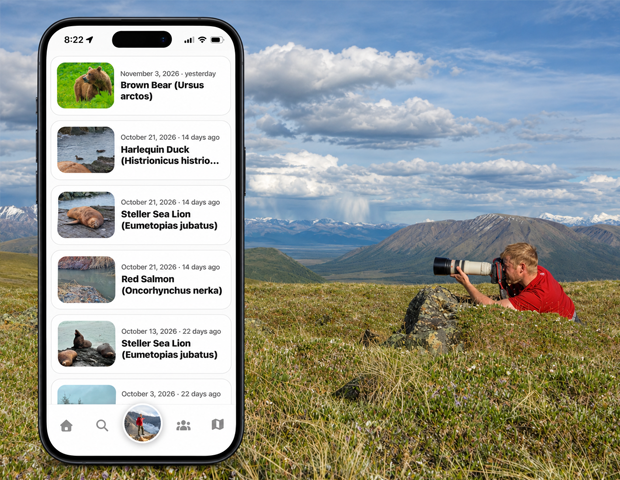
Type in Search sightings to narrow the list. Use the displayed result count to see how many match.
Review an encounter
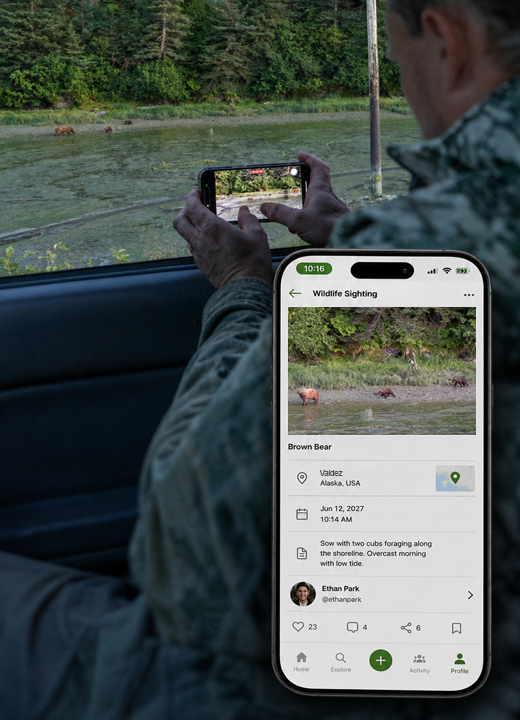
Check the wildlife name, date, and location shown on a sighting card.
Open the sighting
Tap a card to open the full encounter. Use My Sightings to work with your own sighting collection.
Good to know
Your profile’s Sightings gallery and My Sightings provide different ways to return to encounters. Add a wildlife sighting to record a new one.
Need a hand? Ask us about this feature →