Getting started
Here’s how.
Open Trips
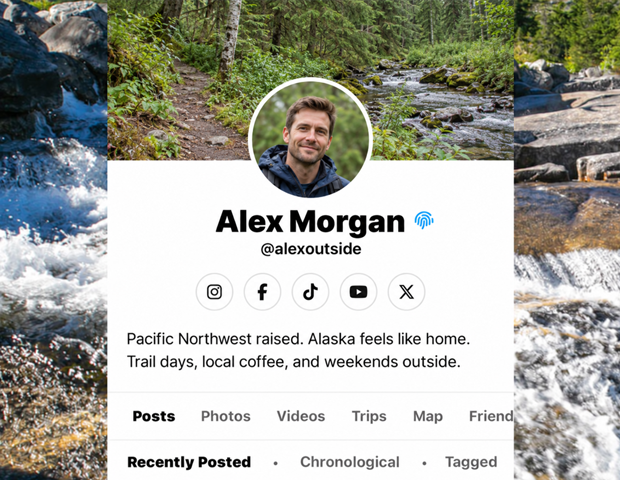
Open a profile and choose Trips.
Find the trip
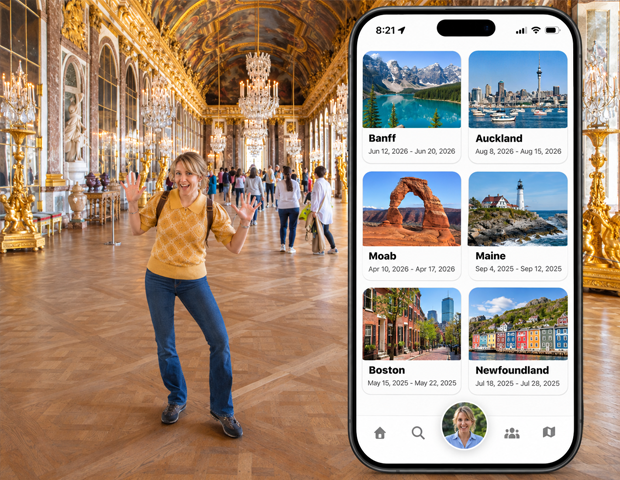
Browse the trip cards and date ranges. Use Trip Name to narrow the list.
Open the trip
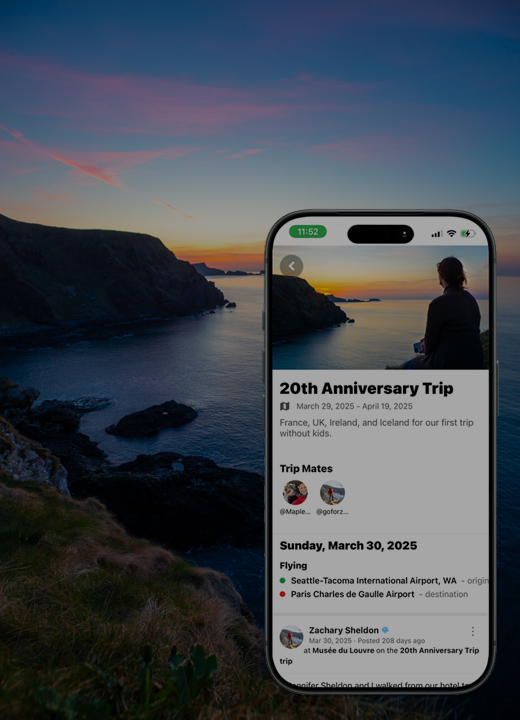
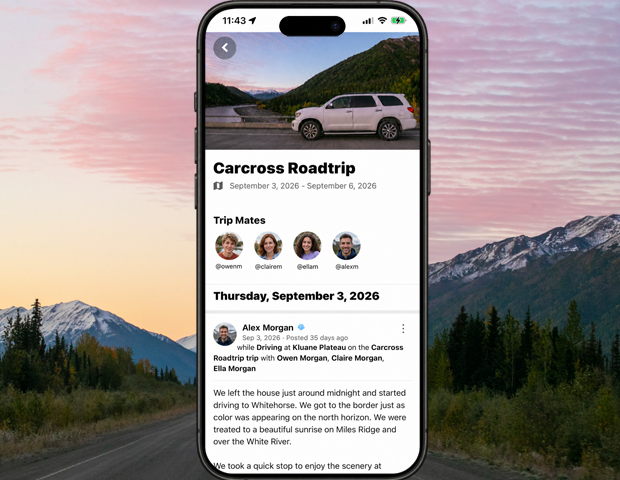
Tap a card to open its trip details.
Manage your own trips
Use My Trips when you want your own trip list and the tools for creating or managing a trip.
Good to know
Profile Trips is the profile’s trip gallery. My Trips is your own trip workspace.
Need a hand? Ask us about this feature →