Getting started
Here’s how.
Open the user menu and choose My Trips.
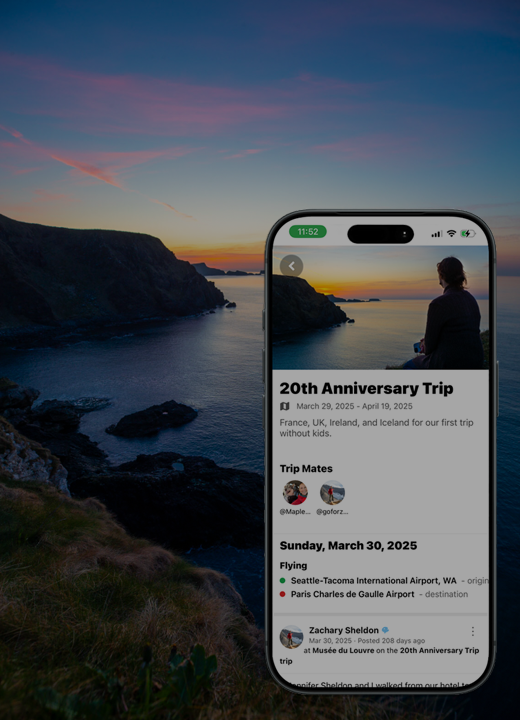
Select a trip to return to its details and associated memories.
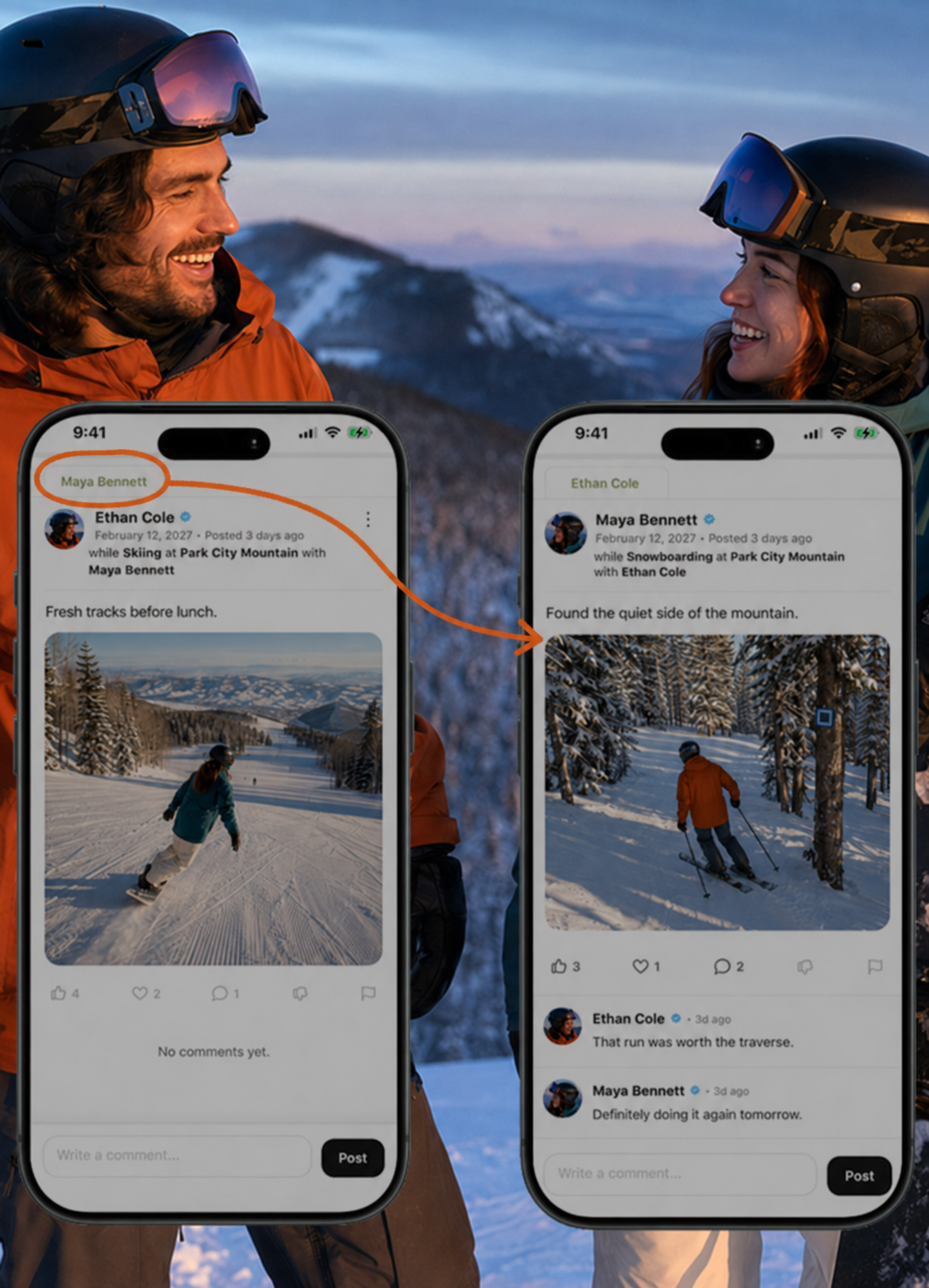
Browse the trip’s posts to revisit the experience, including the perspectives shared by tripmates.
Good to know
Tripmates’ posts can be part of a shared trip story. Each person’s sharing choices still matter.
Need a hand? Ask us about this feature →