Getting started
Here’s how.
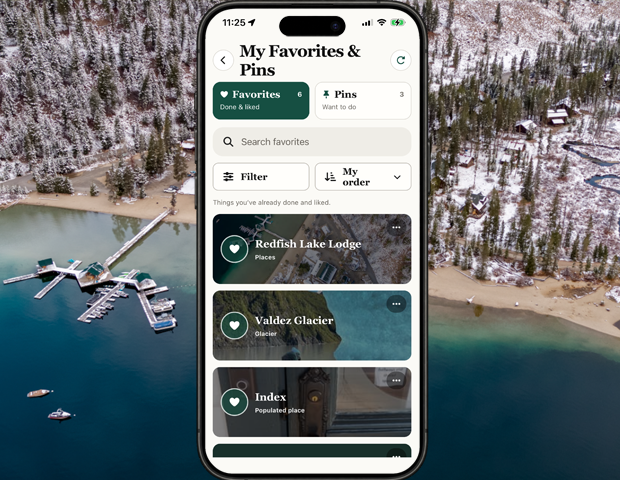
Open Favorites
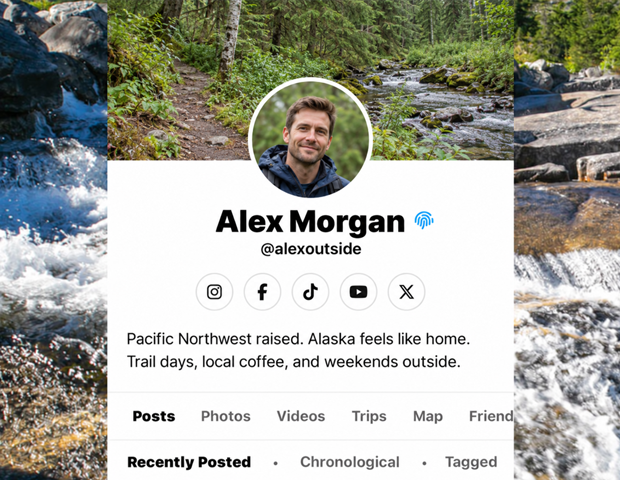
Open a profile and choose Favorites.
Choose a category
Use the category buttons to narrow the kinds of favorites displayed.
Search favorites
Type in Search favorites to search the titles and descriptions available in the list.
Open an item
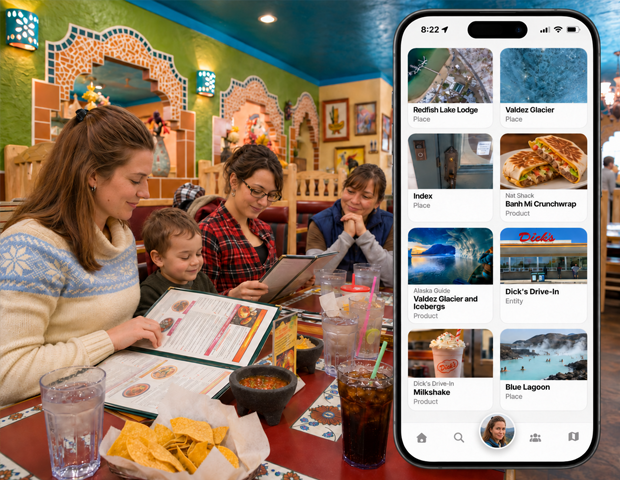
Tap a favorite to open its linked place, entity, or other supported detail page.
Good to know
Use My Favorites & Pins to manage your own saved favorites and things you would like to experience.
Need a hand? Ask us about this feature →