Getting started
Here’s how.
Open your notifications
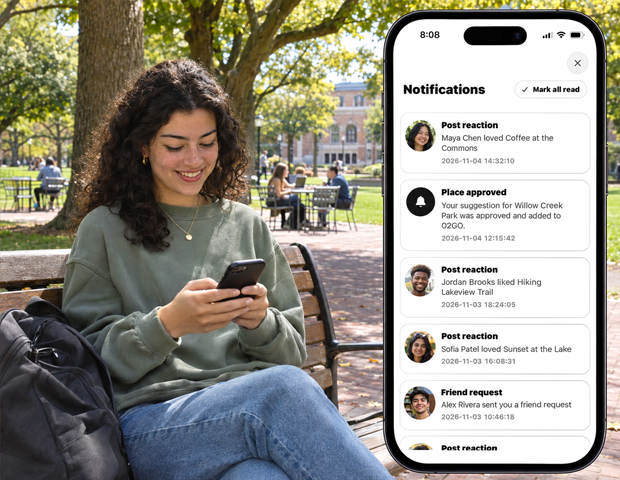
Open Notifications to see your updates. Read the title, message, and date to understand each one.
Open the connected item
Tap a notification or its available action to open the related screen. Different notifications lead to different kinds of content.
Respond to a request
Where shown, use Approve or Deny for a friend request, or Accept or Decline for an invitation. Choose the response that matches what you want to do.
Keep the list current
Pull down to refresh. Use Mark all read when you have finished reviewing the list.
Good to know
Marking notifications as read is separate from accepting invitations or approving requests.
Need a hand? Ask us about this feature →