Getting started
Here’s how.
Open the recording
Choose a specific session and check its title, date, activity, and status.
Explore the recap
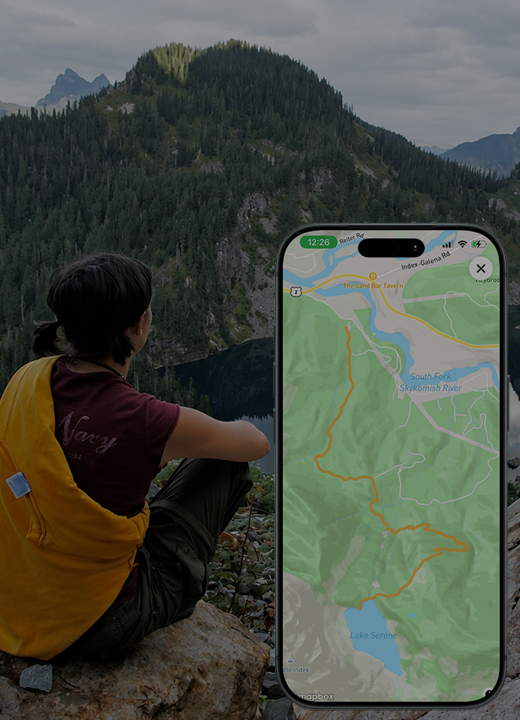
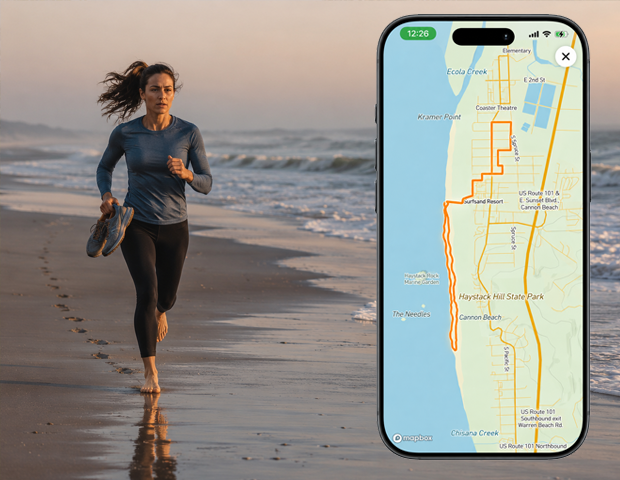
Review distance, duration, elevation gain, and the elevation profile where available. Open View route map for the full map.
Manage a live recording
For your active session, use Pause, Resume, or Finish Route as appropriate. Discard Route is a separate action for a recording you do not want to keep.
Check saved points
Review Queued Uploads or Saved Points. Use the available refresh or retry upload action when points are waiting to sync.
Review privacy and companions
Where available, use Activity Privacy and Route Cohorts to adjust who can see the activity and who joined you.
Correct an end time when needed
If you forgot to finish a completed recording, use Correct Finish Time where offered. Choose the actual end time and carefully review the correction: points after that time will be removed.
Good to know
A recording saved on your phone may still be waiting to sync. A saved route line is separate from downloading the surrounding map for offline use.
Need a hand? Ask us about this feature →