Getting started
Here’s how.
Open the user menu and choose My Routes.
Select a route to see the sessions of that route, or scroll down to the Unlinked Sessions area to find the route session you're looking for.
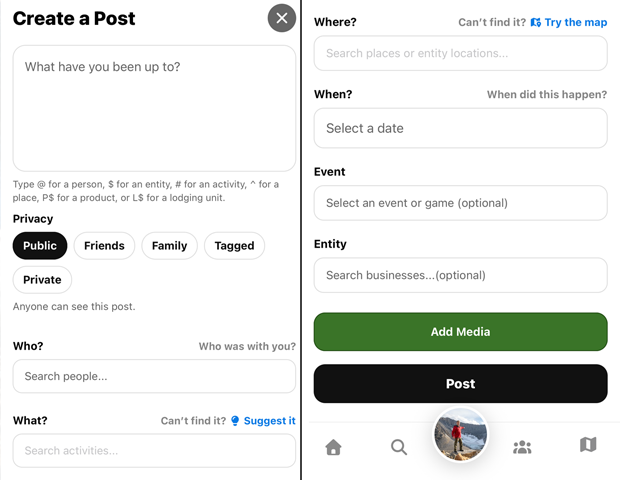
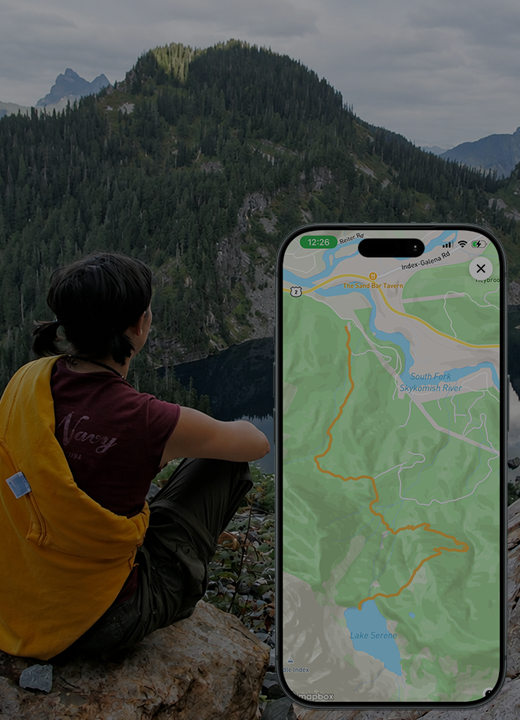
Tap on the session once you've found the one you're looking for to see the route details and route map from your session.To connect it to a post for full details and attached media from the session. Open the relevant post and use Link a route to select the recording.
Need a hand? Ask us about this feature →