Getting started
Here’s how.
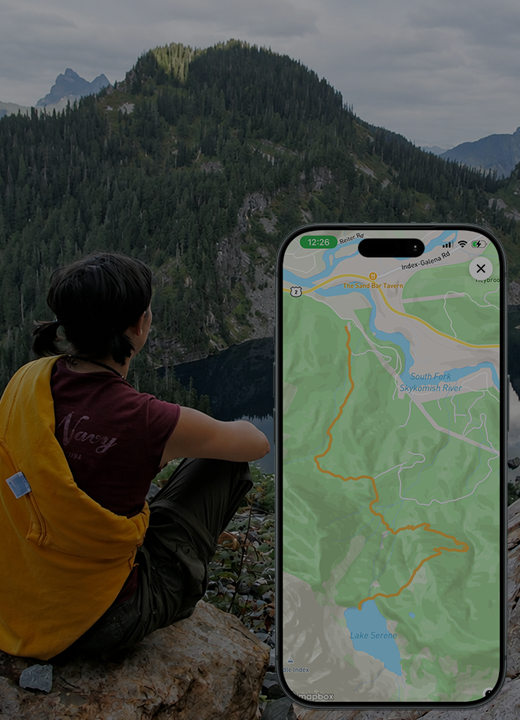
While you have a connection, open the map and tap the download icon.
Choose the map area and review the size and allowance shown.
Start the download and wait for it to complete before losing connectivity.
Good to know
Offline map downloads provide saved map coverage. Other app content may still need an internet connection. Available storage is shown in the download panel.
Need a hand? Ask us about this feature →