Getting started
Here’s how.
Open the profile map
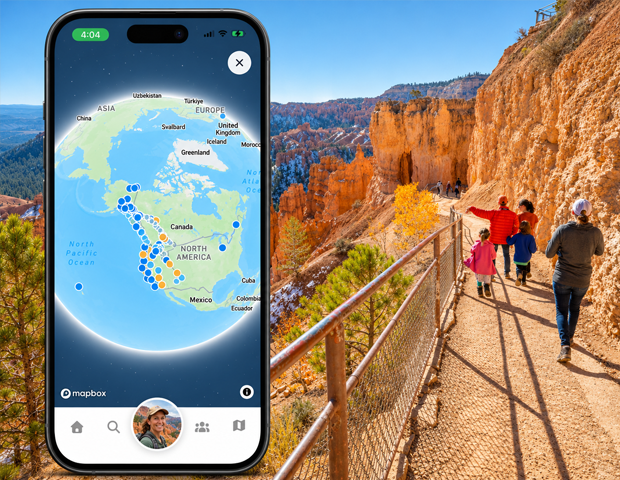
Open a profile and choose Map. Allow the map page to finish loading.
Explore the area
Move and zoom the map to explore the locations it displays for that profile.
Open available place details
Tap an interactive place on the map. Where the map supplies a place link, 02GO opens that place in the app.
Return to the profile
Tap the X button to close the map and return to the profile.
Good to know
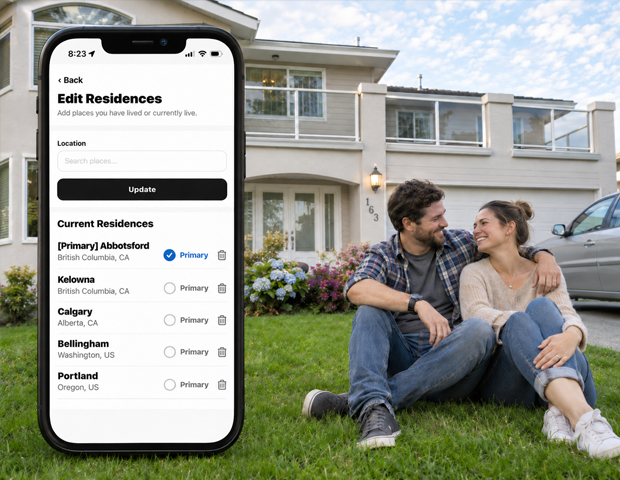
Residences are optional profile information. Add or remove them through Settings → Edit Residences.
Need a hand? Ask us about this feature →