Getting started
Here’s how.
Open a collection
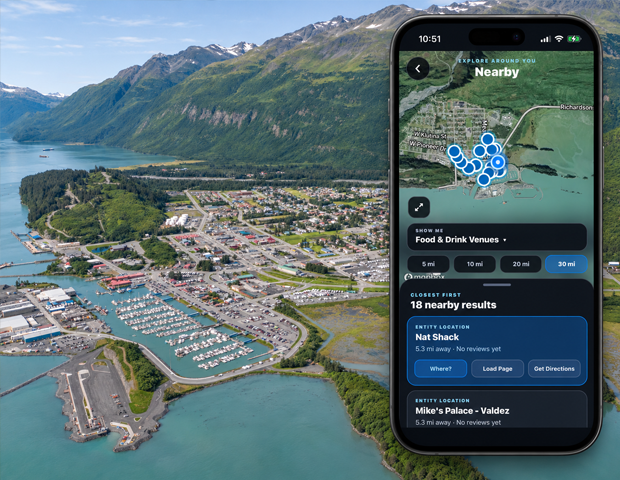
On a place page, choose an available collection link. The collection page shows the place name and the type of listings you opened.
Choose a view where available
For experience collections, use Locations or All Experiences to switch between participating locations and individual experiences.
Choose a sort order
Use Rating or A–Z to sort the available results.
Open a listing
Tap a card to open its linked location or listing. A Nothing listed yet message means there are no public results for that collection.
Good to know
Ratings and reviewer counts help compare listings. A listing without ratings is shown as No ratings yet.
Need a hand? Ask us about this feature →