Getting started
Here’s how.
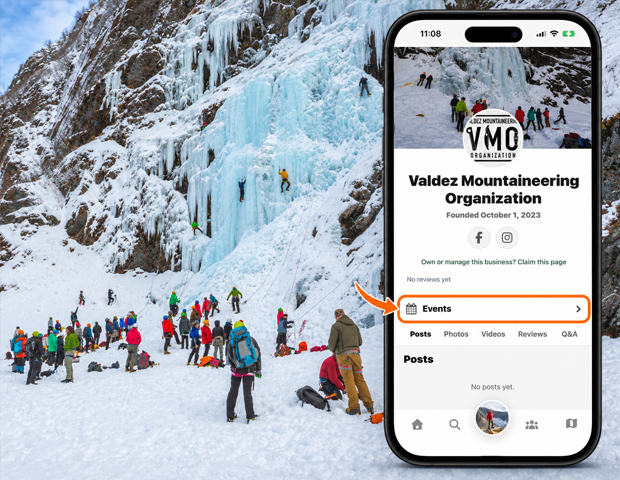
Open Events
Open an entity profile and choose Events.
Search the list
Use Search event names or teams and tap Search to apply your query.
Check the session details
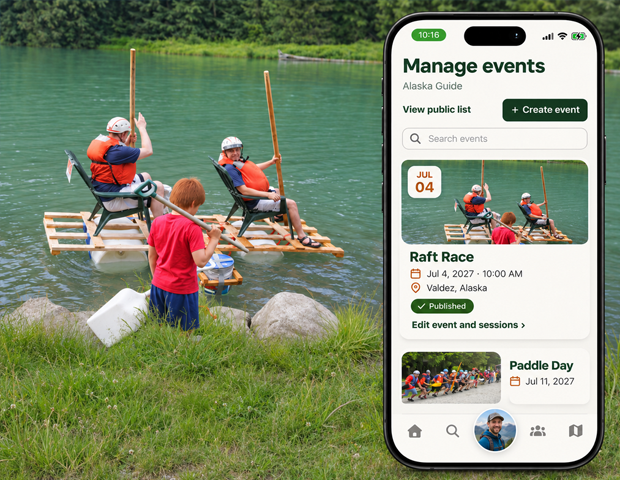
Review the event name, session label, date and time, venue, and host. Team or participant names appear for applicable events.
Open the session
Tap an event session to open its detail page. Use Load more to browse additional results.
Good to know
An event can have multiple sessions. Check the session date and venue rather than relying only on the event name.
Need a hand? Ask us about this feature →