Getting started
Here’s how.
Open the correct entity
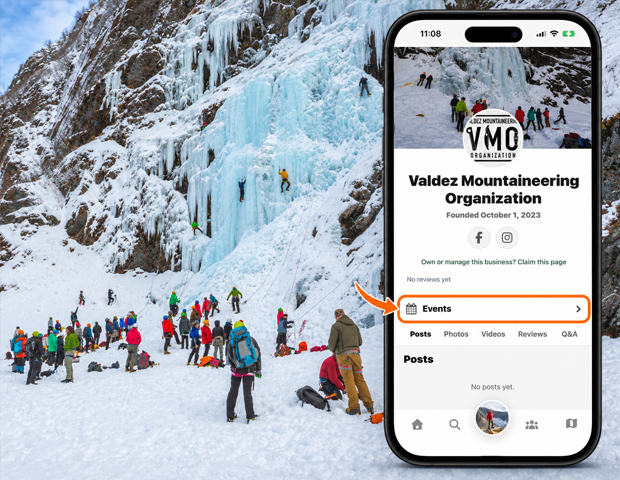
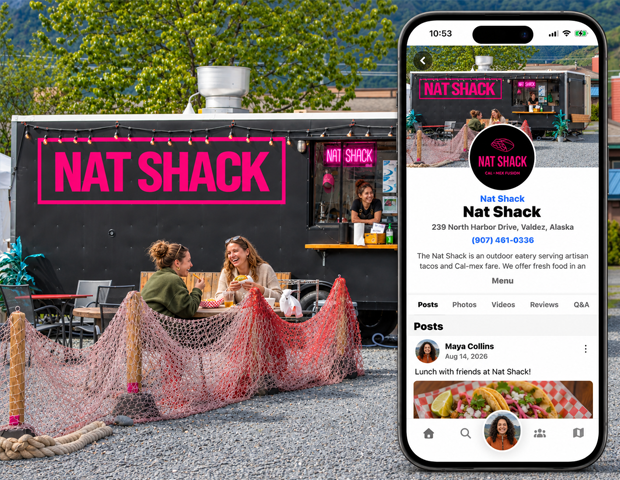
Search by name and open the business or organization. Check its description and identity before continuing.
Explore its locations
Browse Locations and open the location relevant to you. Use See All where available to reach the full location list.
Explore its content
Browse Posts and the available media, Q&A, events, or collection links.
Use official links
Where provided, use the profile’s website and social links to explore more from the organization.
Good to know
An entity can have many locations. Open the specific location to check its address and local offerings.
Need a hand? Ask us about this feature →