Getting started
Here’s how.
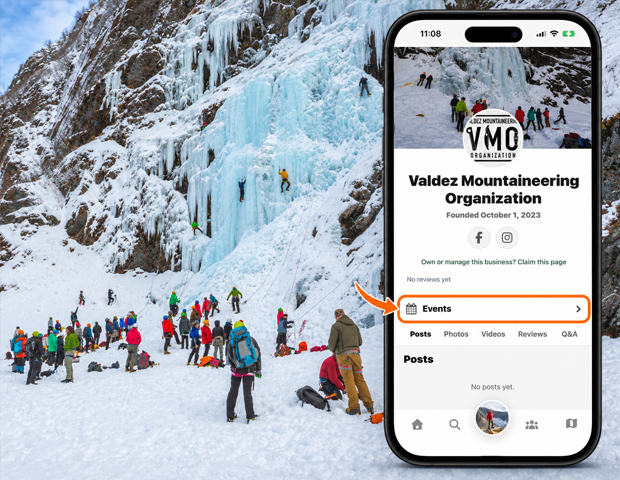
Open your managed entity
Open an entity you have permission to manage.
Open Manage Events
Choose Manage Events from the entity’s management screen, or use Manage events where offered on its event list.
Create or edit an event
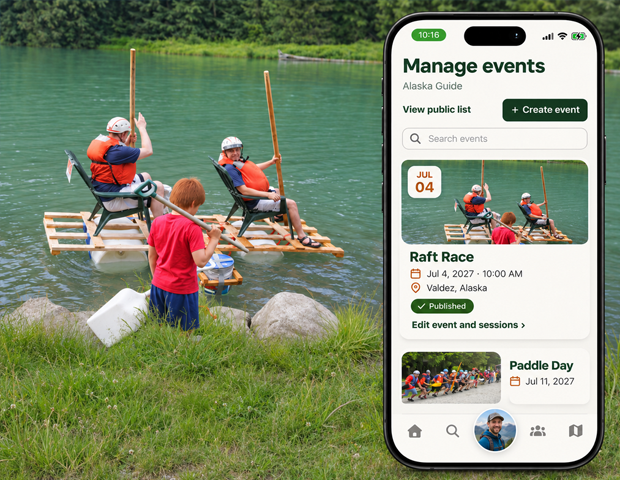
Use + Create event for a new event, or Edit event and sessions on an existing event to open its editor.
Check the public list
Use View public list to see the published event listing. Check the event’s publication and session statuses in the management list.
Good to know
Event editing depends on your management permissions. Check the public list after saving changes to confirm which sessions are available to visitors.
Need a hand? Ask us about this feature →