Getting started
Here’s how.
Open the gallery
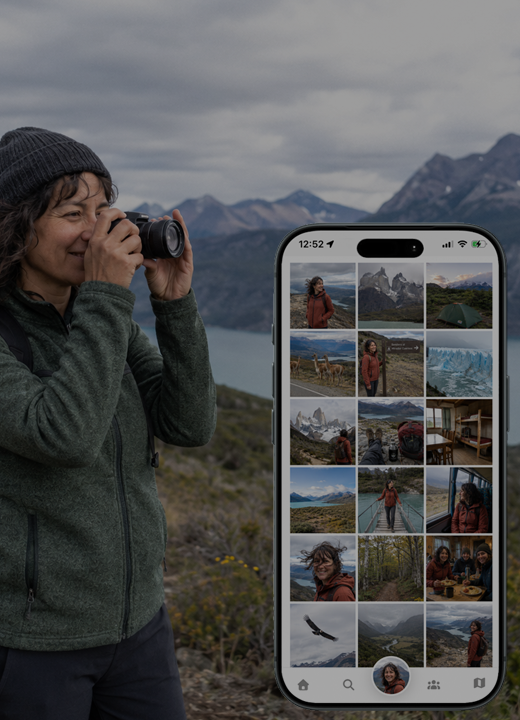
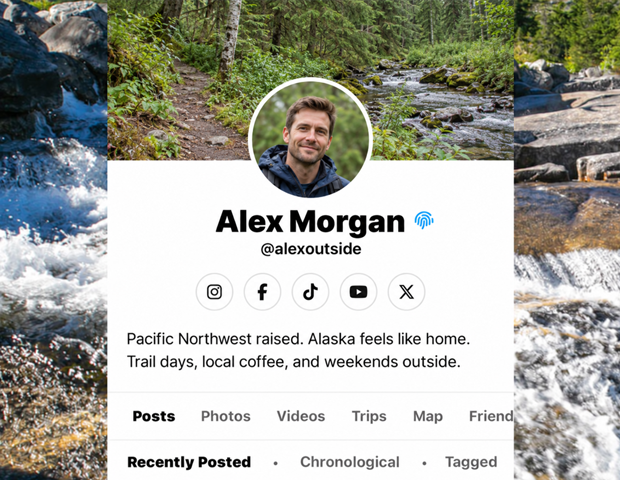
Open a profile and choose Photos.
Search the collection
Type in Search photos to narrow the displayed items. Clear the search to return to the full loaded collection.
Open an item
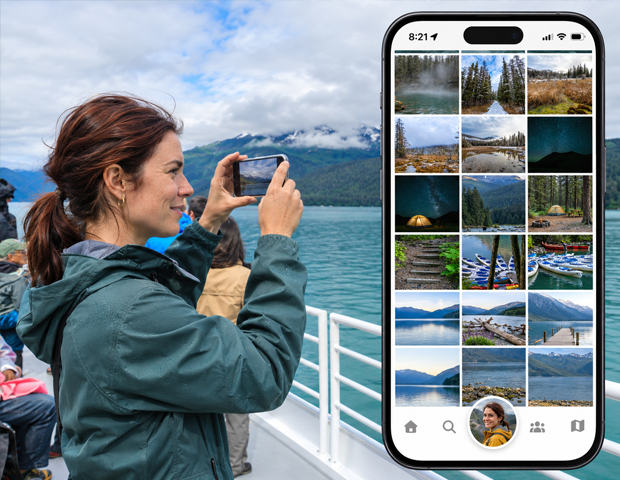
Tap a thumbnail to open the media details. For videos, use the available playback controls to watch the video.
Explore more
Continue through the gallery as more photos load. If no results appear, clear the search or check whether this profile has any available photos.
Good to know
This gallery is separate from adding media to a post. Use the post or media editing tools when you want to change your own content.
Need a hand? Ask us about this feature →