Getting started
Here’s how.
Open Friends
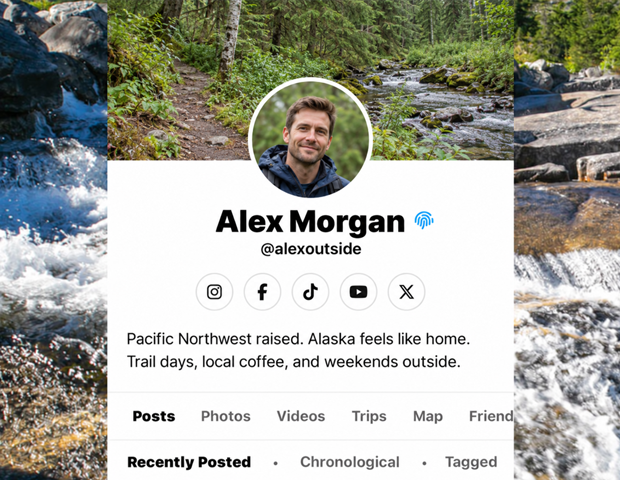
Open a profile and choose Friends.
Search the list
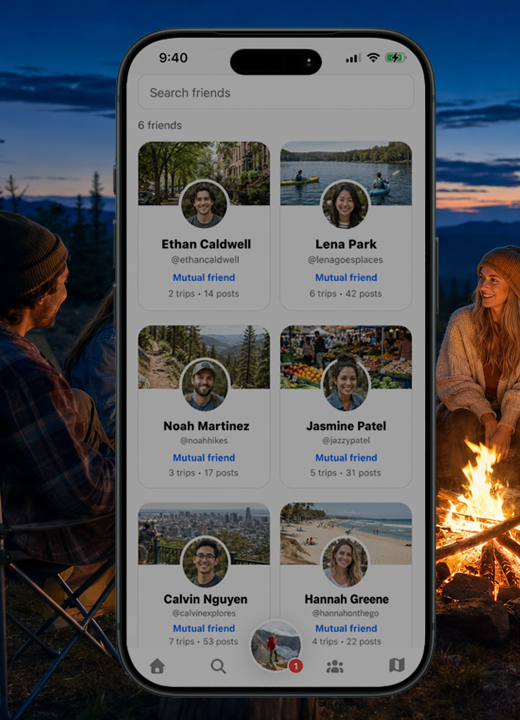
Use Search friends to narrow the displayed friends. Check the result count as you type.
Read the connection details
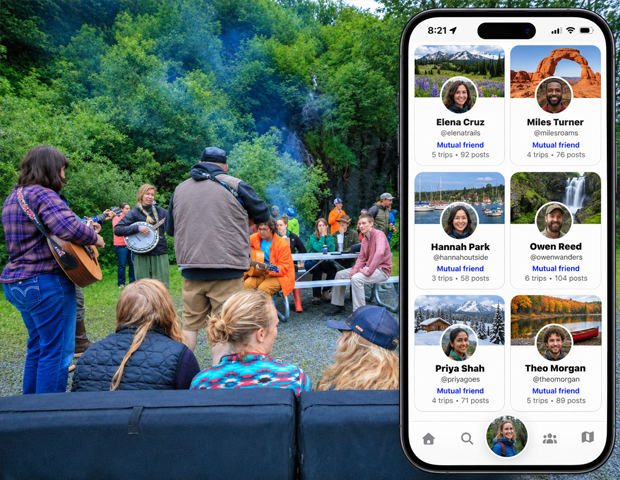
Cards can show a Mutual friend label and counts of shared trips and posts.
Open a friend’s profile
Tap a friend’s card to visit their profile. Use Pending Friends when you need to respond to friend requests.
Good to know
The Friends page is a browsing list. Pending requests are handled separately in Pending Friends.
Need a hand? Ask us about this feature →