All tutorials Find your bearings

Map & outdoors

Find your bearings

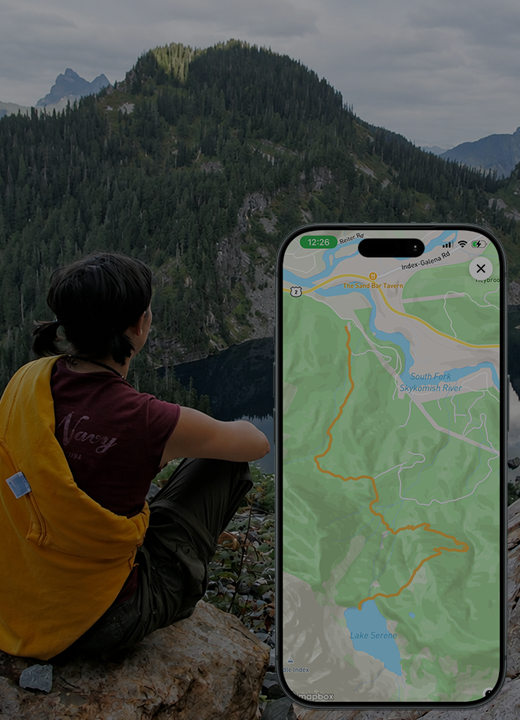
Find yourself on the map and reset its orientation when you need a familiar view.
Show me how ↓
Illustration for Find your bearings
Feature illustration

Getting started

Here’s how.

  1. Open the map.

  2. Tap the location arrow   to find your current position. Allow location access when requested.

  3. Tap the compass to reset the map’s orientation.

Good to know

Location accuracy depends on the signal and the permissions granted to the app.

Need a hand? Ask us about this feature →

Take your story with you

Go live life.
Keep what matters.

Bring your memories, discoveries, and connections together with 02GO.