All tutorials Save a waypoint

Map & outdoors

Save a waypoint

Mark a spot you want to remember, even when it is not a named place.
Show me how ↓
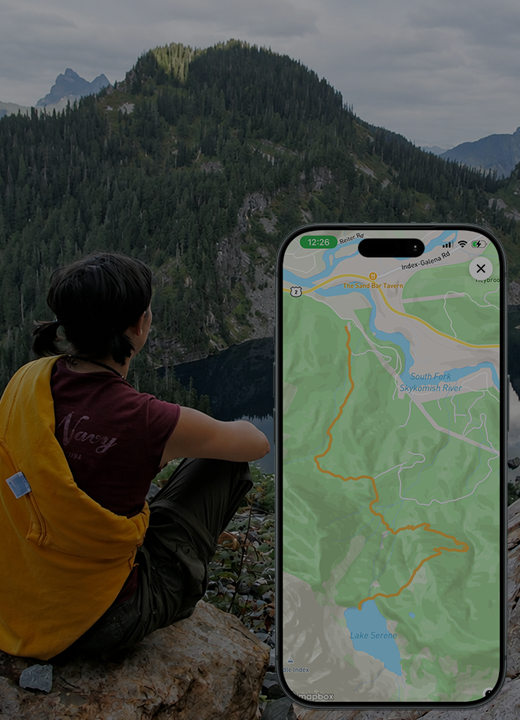
Illustration for Save a waypoint
Feature illustration

Getting started

Here’s how.

  1. Move the map so the spot you want to mark is at its center.

  2. Tap the map-pin icon for Save waypoint.

  3. Confirm the placement and complete the information requested.

  4. Find the saved item in My Waypoints & Markers.

Need a hand? Ask us about this feature →
Take your story with you

Go live life.
Keep what matters.

Bring your memories, discoveries, and connections together with 02GO.