Getting started
Here’s how.
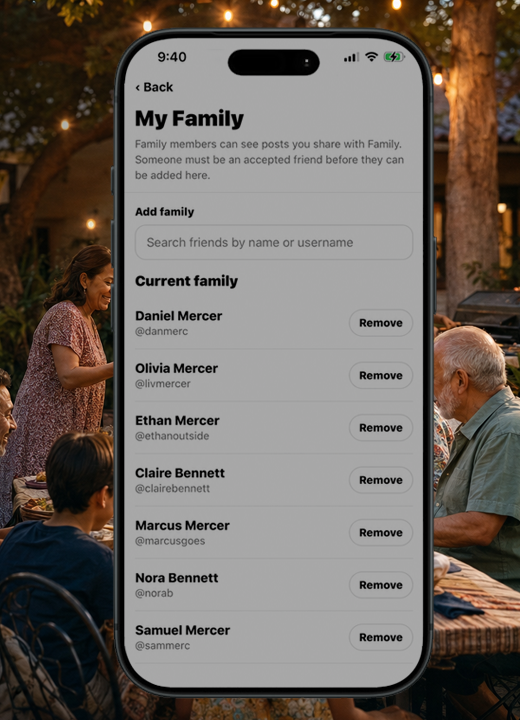
Open the feed menu and choose Family.
Open a family post to see its story and media.
To share a family memory of your own, create a post and review its privacy selection before saving.
Good to know
Opening a feed does not change a post’s audience. Set privacy when you create or edit the post.
Need a hand? Ask us about this feature →