Getting started
Here’s how.
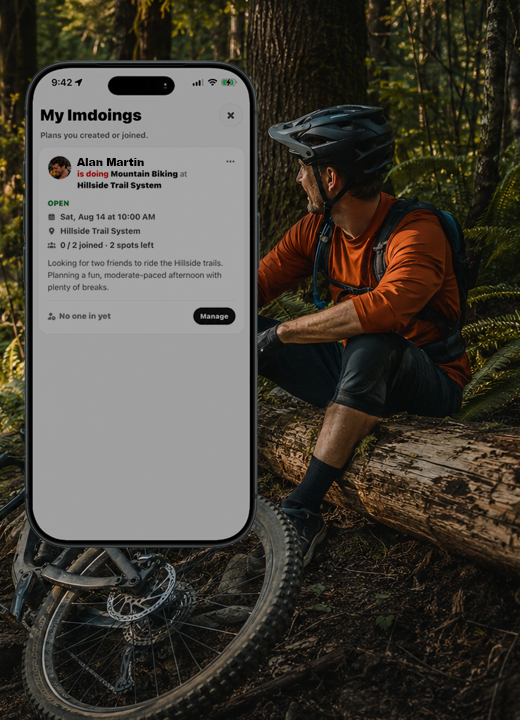
Open the user menu and choose My Imdoings.
Start an Imdoing and choose the place and activity.
Set the date, time, and how many people can join.
Save the plan. Your Imdoings will show in your friends feeds. Friends can respond until the available spaces are filled.
Good to know
Keep the place and time clear so friends can decide whether they can join.
Need a hand? Ask us about this feature →